
TASK-8:Create a Listener rule using lambda service and redirect the target to www.google.com

👋Hello, Hashnode community! I'm subbaramireddy, a passionate DevOps Engineer with a relentless commitment to optimizing software development workflows and infrastructure management. 🚀 Hands-on experience in the DevOps field, I've honed my skills in AWS cloud services, containerization, and CI/CD pipelines. As an AWS Certified Developer, I'm well-versed in leveraging cloud technologies to drive efficiency and innovation. 💡 I firmly believe in the power of continuous improvement. My journey began with an internship, where I immersed myself in the intricacies of DevOps, from deploying web applications to orchestrating containerized solutions. I've also delved into AWS CDK, enhancing security through RDS instance policies, and creating foundational infrastructure with precision. 🌐 My goal is to share insights, best practices, and the latest trends in the DevOps landscape. I'm excited to connect with like-minded professionals, engage in meaningful discussions, and learn from the diverse experiences of the Hashnode community. 📝 Let's explore the ever-evolving world of DevOps together. Feel free to connect with me, ask questions, or share your own insights. Together, we can drive innovation and efficiency in the tech world!
Lambda
AWS Lambda is a computing service that lets you run code without provisioning or managing servers. Lambda runs your code on a high-availability compute infrastructure and performs all of the administration of the compute resources, including server and operating system maintenance, capacity provisioning automatic scaling, and logging. With Lambda, all you need to do is supply your code in one of the language runtimes that Lambda supports. You organize your code into Lambda functions. The Lambda service runs your function only when needed and scales automatically. You only pay for the computing time that you consume—there is no charge when your code is not running.
Select the Application Load Balancer
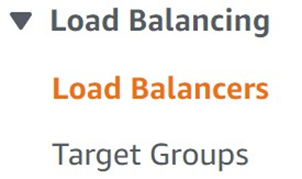
Open the AWS Management Console and navigate to EC2. From there, select "Load Balancers".
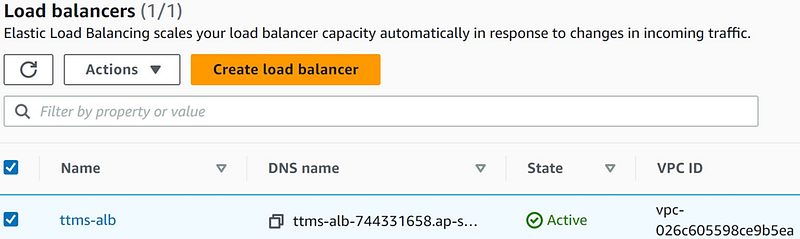
You'll see a list of load balancers, choose the specific one you want to work with.
Click on "Listeners" and select the desired listener.
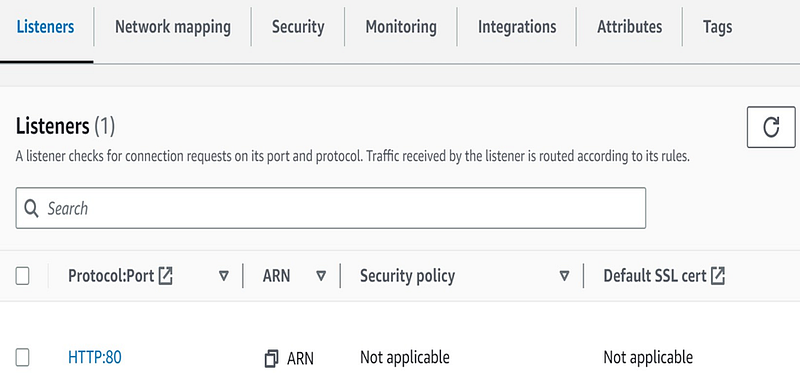
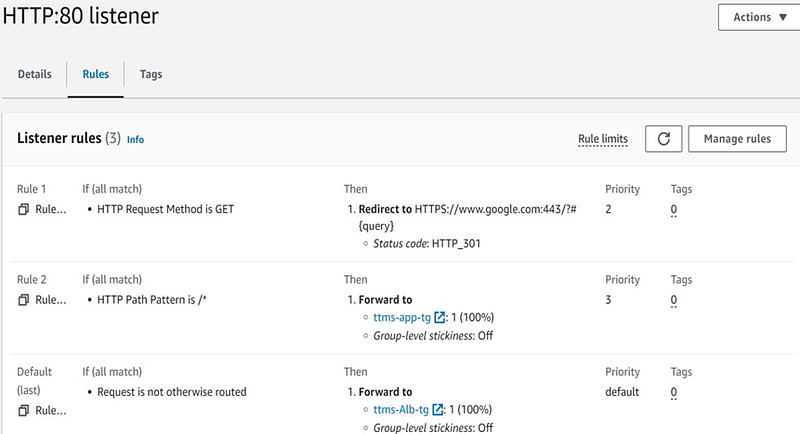
In this section, you can see the list of listener rules configured for the application load balancer.
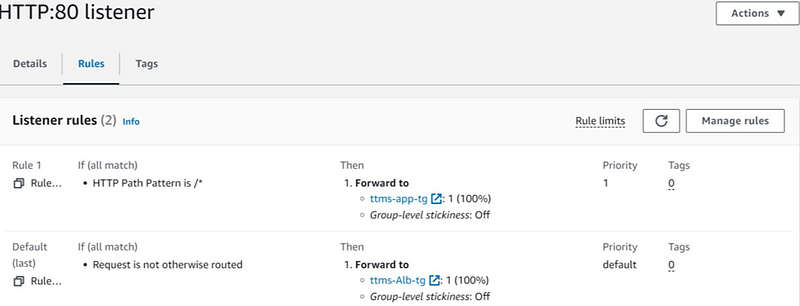
Create a Lambda Function to create a Listener Rule
Open the AWS Management Console and select the Lambda service.
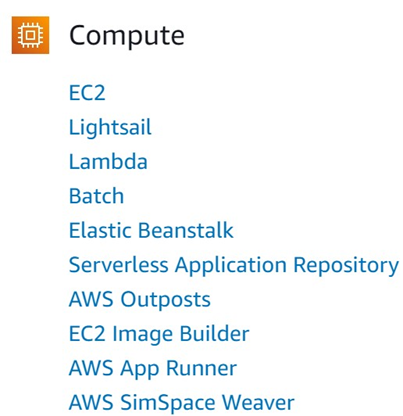
Within Lambda, you can view your existing Lambda functions, or to create a new one, click on "Create Function".

Opt to start from scratch by selecting "Author from scratch" when creating a new function.

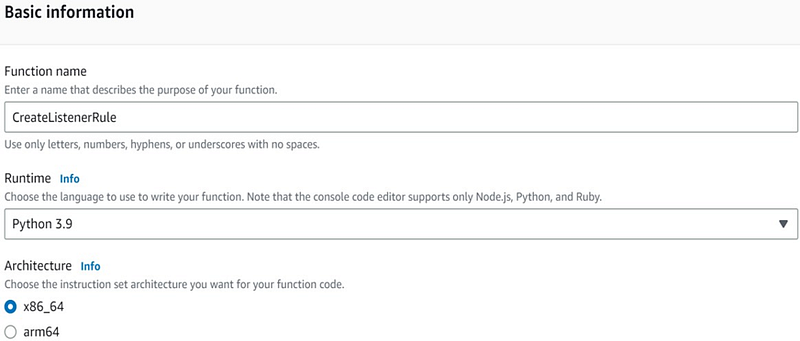
Provide a name for your function, set the runtime to Python 3.9, and choose the architecture as x86_64.
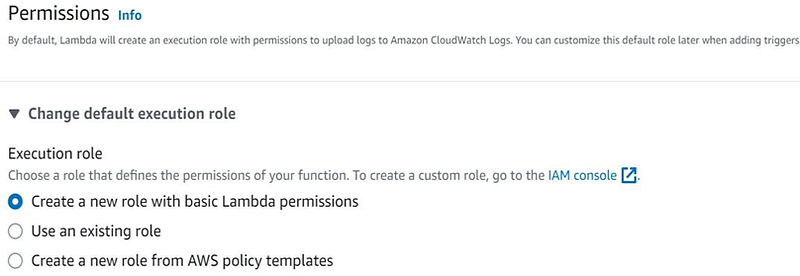
In the permissions section, create a new execution role with basic Lambda permissions, and then select Create a new role with basic Lambda permissions.
Your Lambda function has now been successfully created.

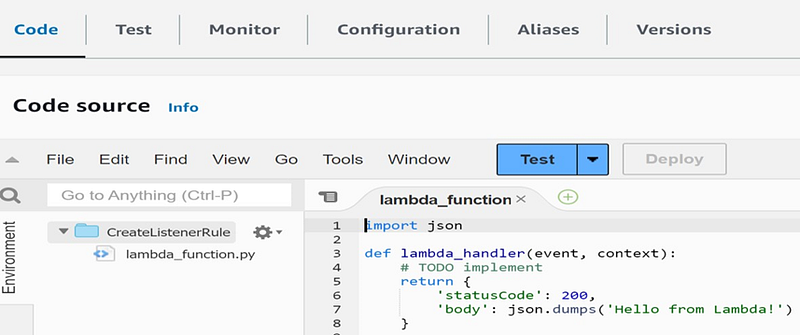
Access the code for your Lambda function by clicking on the "Code" option.
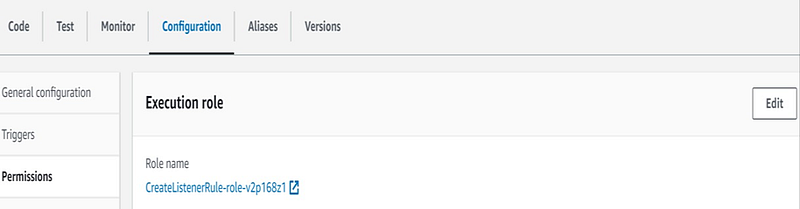
Go to the configuration settings and click on the role name to see the permissions associated with your Lambda function.
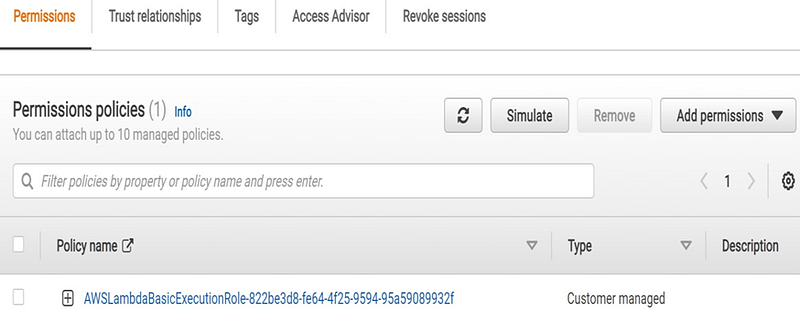
In the role settings, you can add permissions by clicking "Add Permissions".
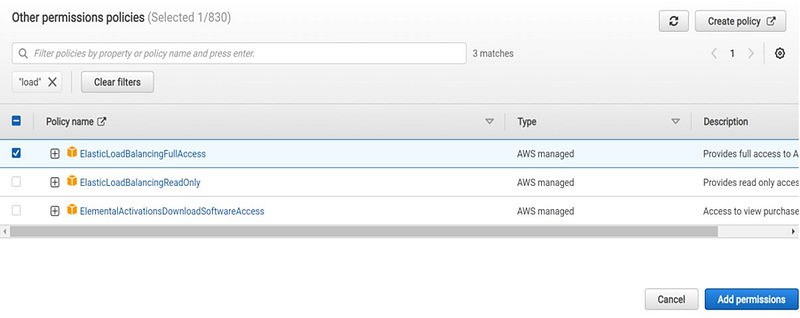
Select the "ElasticLoadBalancerFullAccess" policy and add it to your Lambda function's permissions
You'll receive a confirmation message indicating the successful addition of permissions.

Modify your Lambda function with the specified code provided.
import json import boto3
def lambda_handler(event, context):
    client = boto3.client('elbv2')
    response = client.create_rule(
    Actions=[
           {
                'Type': 'redirect', 'Order': 1, 'RedirectConfig': {
                 'Protocol': 'HTTPS',
                 'Port': '443',
                  'Host': 'www.google.com',
                   'Path': '/',
                    'StatusCode': 'HTTP_301'
            }
        },
    ],
    Conditions=[
    {
        'Field': 'http-request-method',
        'HttpRequestMethodConfig': {
            'Values': [
                'GET',
                ]
            },
        },
    ],
    ListenerArn='arn:aws:elasticloadbalancing:ap-south- 1:550223705105:listener/app/ttms-alb/9805c8030786b036/fb4a671be53ce228',
    Priority=1,
)
    print(response)
    return {
        'statusCode': 200,
        'body': json.dumps('Successfully created a listener rule')
    }
Deploy the code to the Lambda function by clicking "Deploy," and then test it using the "Test" option.

Your Lambda function should execute successfully and return the expected response.
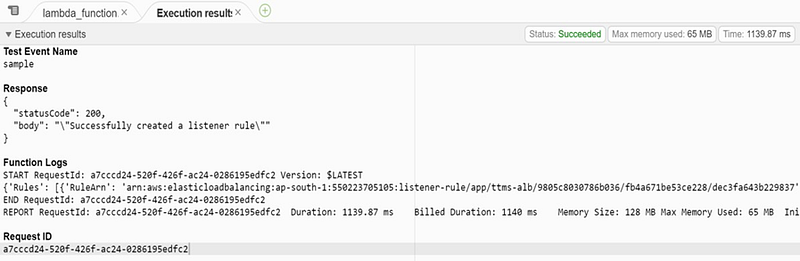
You can now see the rule created by the Lambda function in your configuration.
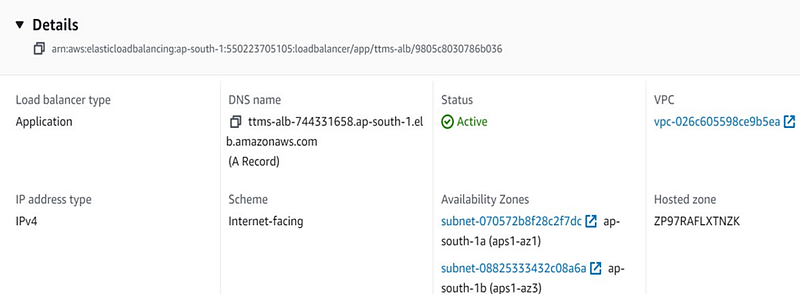
To access your application through the load balancer, copy the DNS name and paste it into your web browser.
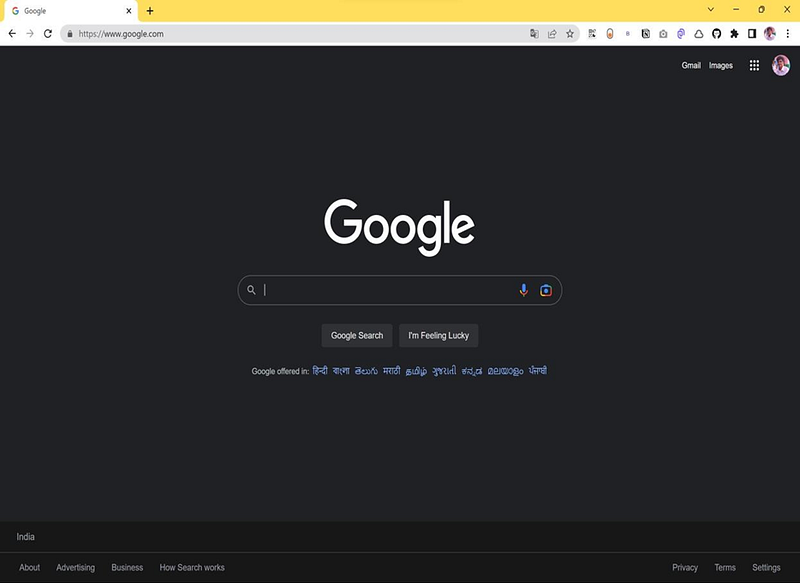
Due to the configured listener rules, the application load balancer will redirect traffic based on the specified priorities, as shown in the listener rules.
Thanks for reading! I hope you found this helpful and informative.
I'm always happy to connect with fellow tech enthusiasts and answer any questions you may have. Don't forget to follow me for more updates on tech, programming, and more.😄😄
Follow me on LinkedIn to see interesting posts like this : ) Linkedin


